
How to Set Up Automatic Prescription Refills with Your Pharmacy
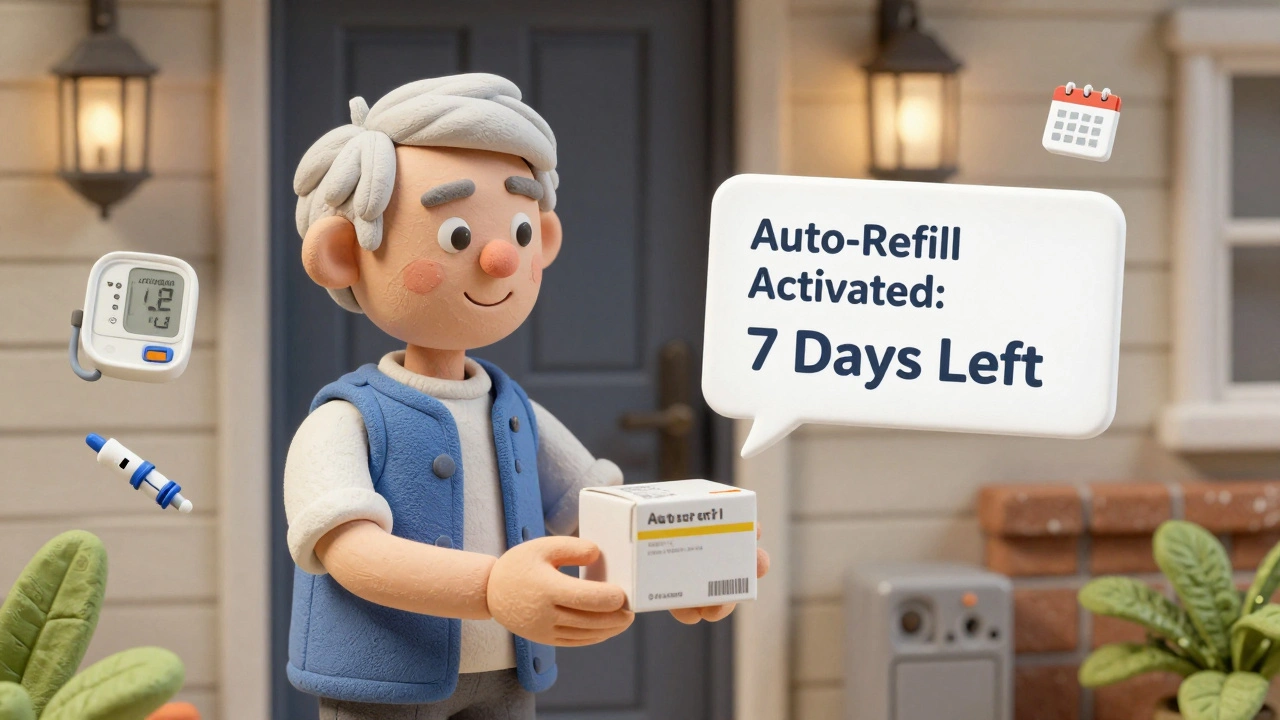
Running out of your blood pressure or diabetes meds isn’t just inconvenient-it’s dangerous. Yet millions of people forget to refill prescriptions on time. The good news? Most major pharmacies in Australia and the U.S. now offer automatic prescription refills to keep you covered without you lifting a finger. No more last-minute pharmacy runs, no more missed doses. Here’s exactly how to set it up-and what to watch out for.
Why Automatic Refills Matter
If you take medication for a chronic condition-like high cholesterol, asthma, or thyroid issues-sticking to your schedule is critical. Studies show people who use automatic refill programs are 15-20% more likely to take their meds as prescribed. That’s not just a number. It means fewer hospital visits, fewer emergencies, and better long-term health. But here’s the catch: automatic refills aren’t magic. They work best for stable, long-term prescriptions. If your dosage changes often, or you’re on a new treatment plan, auto-refills can backfire. You might end up with pills you don’t need-or worse, miss a critical adjustment. That’s why some states and insurers have rules around them.How Automatic Refills Actually Work
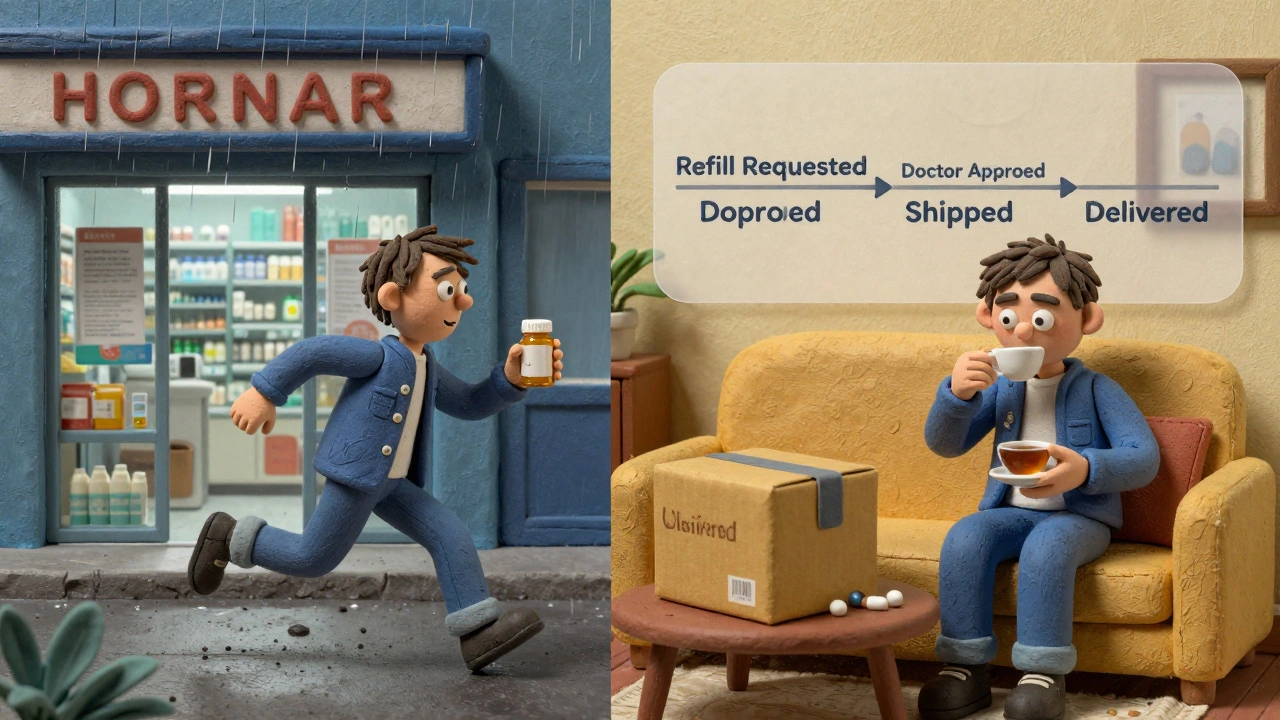
When you sign up, your pharmacy tracks your prescription’s refill date. Instead of waiting until you’re out, they start processing your refill 7-10 days before you run out. This gives them time to check with your doctor if a new authorization is needed. You’ll usually get two reminders-by email or text-before your meds ship or are ready for pickup. It’s not just about convenience. That buffer period is lifesaving. If your insurance denies the refill or your doctor needs to update your prescription, the pharmacy has time to fix it before you’re empty-handed.Who Can Use Automatic Refills?
Not every prescription qualifies. Controlled substances like opioids, stimulants, or strong sedatives are almost always excluded. That’s federal law. You also can’t auto-refill meds that need prior authorization unless your doctor has pre-approved the refill cycle. If you’re on Medicaid, check your state’s rules. In Missouri, for example, auto-refills were banned for all MO HealthNet participants as of April 2023. Other states like California and New York fully support them. In Australia, private pharmacies and PBS-subsidized scripts often allow auto-refills through online portals, but it’s not yet standardized across all providers.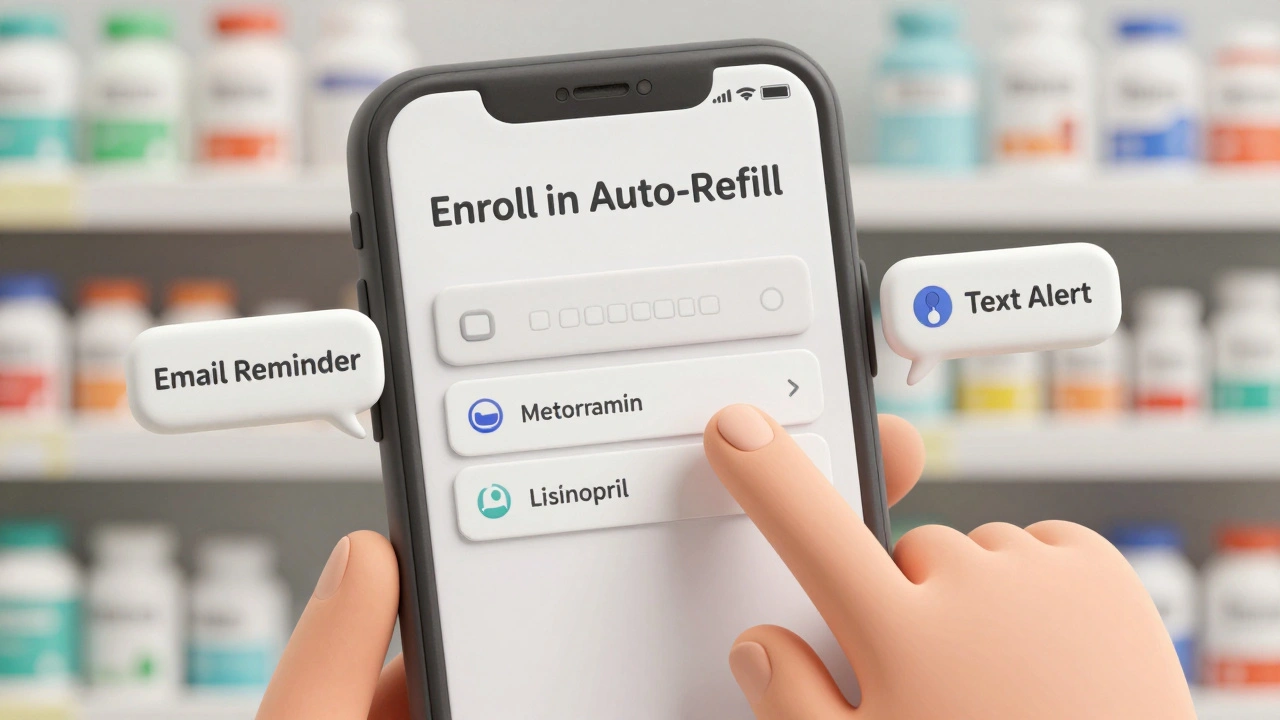
Step-by-Step: How to Set Up Automatic Refills
You don’t need to be tech-savvy. Most setups take under 10 minutes.- Create or log into your pharmacy account. If you’ve never used their website or app, sign up. You’ll need your prescription number, date of birth, and maybe your Medicare or private insurance details.
- Go to your prescription list. Look for a tab called “My Prescriptions,” “Refills,” or “Automatic Refills.”
- Select the meds you want to auto-refill. Only maintenance meds (taken daily or weekly) are eligible. Skip anything you only take occasionally.
- Turn on auto-refill. Click “Enroll” or “Activate.” Some systems ask you to pick a preferred refill date-like every 30 days on the 15th. Others do it automatically based on your last refill.
- Confirm your shipping or pickup details. Make sure your address is correct. If you’re picking up in-store, double-check which location.
For example, if you use CenterWell Pharmacy, go to “My Rx” > “Manage Automatic Refills.” For Optum Rx, select “Enroll” under “Automatic Refills” and choose your date. CVS, Walgreens, and Rite Aid all have nearly identical menus in their apps.
What Could Go Wrong-and How to Fix It
Even after setup, things can slip through the cracks.- Your med doesn’t show up as eligible. This usually means it’s a controlled substance, requires prior auth, or your insurance hasn’t updated your coverage. Call the pharmacy and ask them to check your prescription status.
- You get a refill you didn’t expect. Maybe you stopped taking the med, or your doctor changed your dose. Contact the pharmacy immediately. They can pause the auto-refill and confirm your current regimen.
- You get no reminders. Check your spam folder. Make sure your phone number and email are up to date in your profile. Some systems only send alerts if you’ve opted in.
- Your refill is delayed. If your doctor hasn’t renewed the prescription, the pharmacy will hold it. They’ll usually call you or your doctor to sort it out. Don’t assume it’s broken-wait 48 hours, then follow up.
Pros and Cons: Is It Right for You?
Pros:- Saves time-no more calling or driving to the pharmacy.
- Reduces missed doses by up to 20% for chronic conditions.
- Builds in a safety net for insurance or doctor approval delays.
- Most pharmacies don’t charge extra for the service.
- Can lead to wasted meds if you stop taking a drug but don’t cancel the refill.
- Not allowed for all medications-especially controlled substances.
- Some state programs (like Missouri’s Medicaid) block auto-refills entirely.
- May cause confusion if you’re on a changing treatment plan.
For stable, long-term meds like metformin, lisinopril, or levothyroxine, auto-refills are a no-brainer. For meds that change often-like antibiotics, painkillers, or psychiatric drugs-stick to manual refills.
What the Experts Say
The American Medical Association raised concerns in 2024 about auto-refills potentially delivering discontinued prescriptions. But they also acknowledged that for chronic disease patients, the benefits outweigh the risks-when used correctly. Pharmacists report a 20-30% drop in urgent refill requests since auto-refills became common. That means less stress for pharmacy staff and faster service for everyone. The real win? Better health outcomes. A 2023 NIH study found that patients using auto-refills for heart disease meds were 23% less likely to abandon their prescriptions. That’s the kind of number that saves lives.What to Do Next
If you’re on daily meds, log into your pharmacy’s app or website today. Find your prescription list. Turn on auto-refill for the ones you’ve been taking for 3+ months without changes. Set a calendar reminder for next month to review your auto-refill list. Did you stop taking anything? Did your doctor change your dose? Adjust it now. And if you’re unsure? Call your pharmacy. Ask: “Can I enroll in automatic refills for my [medication name]?” They’ll walk you through it. No judgment. No extra cost. Just better health.Still Have Questions?
Can I cancel automatic refills anytime?
Yes. You can turn off auto-refills at any time through your pharmacy’s app, website, or by calling customer service. You don’t need to wait for a refill to be processed. Just go to your prescription list and toggle it off.
Will I be charged extra for automatic refills?
No. Automatic refills are a free service offered by pharmacies and pharmacy benefit managers. You only pay your usual copay or prescription fee. There are no subscription charges or hidden costs.
Why can’t I auto-refill my insulin or blood thinner?
Insulin and blood thinners often require close monitoring and frequent dosage changes. Because of the risk of overdose or underdosing, most pharmacies and insurers require you to get a new prescription each time. This ensures your doctor reviews your condition before refilling.
What if I move or change my insurance?
Update your profile immediately. If your insurance changes, your auto-refill may be paused until the pharmacy confirms your new coverage. If you move, update your shipping address-otherwise, your meds might go to the wrong place.
Do automatic refills work with the PBS in Australia?
Yes, many Australian pharmacies offer auto-refills for PBS scripts, especially through online services like Chemist Warehouse, TerryWhite Chemmart, or your local pharmacy’s app. You’ll still pay your PBS co-payment, but the refill is scheduled automatically. Check with your pharmacy to see if they offer it.
Emily Haworth
December 14, 2025 AT 07:45OMG I just turned this on for my metformin and my phone blew up with alerts 🤯 I thought I was gonna get charged extra but nope-free as air. My grandma cried when she heard she won’t have to drive to the pharmacy anymore. #LifeChanger
Webster Bull
December 16, 2025 AT 04:21Do it. Just do it. No excuses. If you’re on daily meds, this is the easiest win in healthcare you’ll ever get. Five minutes now saves hours of panic later. Seriously.
Deborah Andrich
December 18, 2025 AT 00:38I used to forget my lisinopril for weeks at a time until I got hospitalized. Auto-refill saved my life. No drama. No guilt. Just pills showing up like clockwork. I wish I’d done this five years ago.
Tyrone Marshall
December 19, 2025 AT 10:45There’s something deeply human about how we ignore our own health until it breaks. Automatic refills aren’t just a tech feature-they’re a quiet act of self-respect. You’re not being lazy for using them. You’re being wise. The system’s designed to fail us, so we have to hack it. And this? This is one of the few hacks that actually works. No one talks about how much mental energy it saves not having to remember. It’s not about compliance-it’s about reducing cognitive load so you can focus on living, not managing pills.
I’ve seen people in their 70s who never used a smartphone learn to manage this in under 10 minutes. It’s not about being tech-savvy. It’s about being cared-for. Pharmacies didn’t build this for profit. They built it because they saw people dying from simple forgetfulness. And now, for the first time, we’re giving them a tool that doesn’t require willpower.
But here’s the thing: if you’re on a changing regimen-like chemo or psychiatric meds-don’t auto-refill. That’s not a flaw. That’s safety. The system knows. It’s not one-size-fits-all. It’s one-size-fits-*you*. And that’s beautiful.
So if you’re reading this and you’re on a stable med-go do it now. Don’t wait for the next scare. Don’t wait for your doctor to mention it. Do it because you deserve not to worry. Because your body has carried you this far. Let technology carry the reminder.
And if you’re helping someone else-like a parent or grandparent-help them set it up. Sit with them. Walk them through it. That’s the real magic. Not the app. The human hand holding theirs while they click ‘enroll’.
Jennifer Taylor
December 21, 2025 AT 01:00WAIT. So you’re telling me the government isn’t secretly tracking my pill intake through this?? I just signed up and now I’m paranoid. Are they selling my blood pressure data to Big Pharma?? I read on Reddit that CVS shares your med history with insurance companies to raise rates. Is this a trap?? 😳
Shelby Ume
December 22, 2025 AT 12:00As someone who works in pharmacy administration, I can confirm: auto-refills are one of the most underappreciated public health tools we have. We used to get 15 calls a day from people panicking because they ran out on a Friday night. Now? We get maybe two. And those are usually because someone changed doctors or switched insurers. The system works. The people who complain? They’re the ones who never updated their address or didn’t read the two emails they got. It’s not broken. You just didn’t read the fine print.
Also-yes, insulin and blood thinners are excluded for good reason. We’ve had patients get dangerously overdosed because they didn’t realize their dose changed. Auto-refill is for stable meds. Not for anything that needs frequent monitoring. Don’t be that person who blames the pharmacy when you get 30 days of warfarin you don’t need.
And no, we don’t charge extra. We don’t even get paid more for it. It’s just… better. For everyone.
Donna Hammond
December 23, 2025 AT 03:28I’ve been using auto-refills for my levothyroxine for three years. Zero issues. I get a text every 28 days saying my script is ready. I pick it up on my lunch break. Done. I used to have anxiety attacks before my refill date-what if I forgot? What if the pharmacy was closed? Now? I sleep. It’s not just convenient. It’s therapeutic. If you’re on chronic meds and haven’t tried this, you’re doing yourself a disservice. It’s free. It’s easy. It’s life-changing.
And yes, you can turn it off anytime. I did when I switched from brand to generic. Took me 30 seconds in the app. No drama. No guilt. Just control. That’s what this is-control over your own health, not chaos.
Sheldon Bird
December 23, 2025 AT 23:02Just turned this on for my cholesterol med. Best decision ever. 🙌 My wife said I’ve been less grumpy since I stopped stressing about refills. Who knew pills could improve your marriage? 😅
Jade Hovet
December 25, 2025 AT 08:58so i just signed up for auto refills and my app said ‘your script is ready’ but i didn’t get a text?? did i do it wrong?? also i think i spelled my name wrong in the app lol
Himmat Singh
December 25, 2025 AT 11:17One must question the institutionalization of pharmaceutical dependency. The very notion of automatic refills presupposes a passive patient, a commodified health paradigm wherein the individual is reduced to a data point within a profit-driven ecosystem. One wonders whether such convenience erodes personal agency, or merely masks the systemic failure of preventive care. In nations with universal healthcare, such mechanisms are unnecessary; in the United States, they are a Band-Aid on a hemorrhaging system. One should not celebrate automation as liberation when the root pathology remains unaddressed.
Bruno Janssen
December 27, 2025 AT 08:32I’m scared to turn it on. What if I accidentally get refilled with something I stopped taking? What if they send it to the wrong address? What if I die because of a glitch? I just… I don’t trust it. I’ll keep calling. It’s safer.
Karen Mccullouch
December 28, 2025 AT 06:22Automatic refills? That’s just how they get you hooked. First they give you free refills, then they raise your copay. Then they track your habits. Then they sell your data to the CIA. This isn’t healthcare-it’s surveillance. And don’t even get me started on how they’re replacing pharmacists with bots. This is the beginning of the end.
Ronan Lansbury
December 28, 2025 AT 12:13How quaint. In Europe, we have centralized systems where prescriptions are digitally linked to national health records. The concept of ‘auto-refill’ is not a feature-it’s a baseline. The fact that you Americans need a blog post to understand how to refill a prescription speaks volumes about the absurdity of your healthcare infrastructure. I am not impressed.